
Reservexit
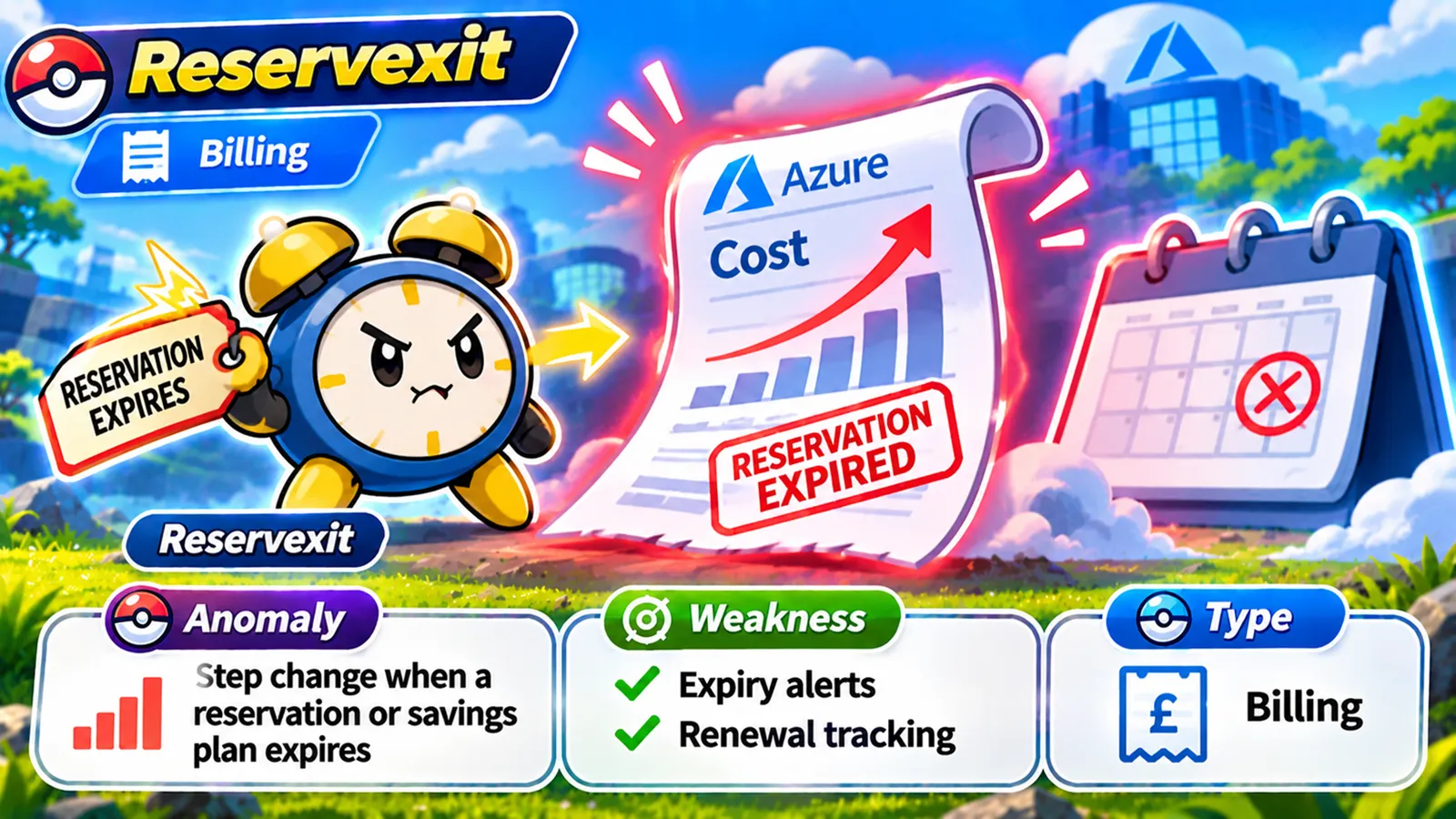
- Type
- Billing
- Anomaly
- Step change when a reservation or savings plan expires
- Evolves into
- Doesn't evolve, just appears
- Weakness
- Expiry alerts, renewal tracking
What it is
Reservexit isn't a runaway, it's a cliff. When a reservation or savings plan expires, usage reverts to pay-as-you-go rates and effective cost steps up overnight with no change in consumption.
How to spot it
- A flat step-change in cost on a specific date with usage unchanged.
- Amortized cost view shows the reservation / savings plan benefit disappearing.
- Reservation utilisation report shows the expiry date has passed.
Common causes
- No owner or tracking for renewal dates.
- Auto-renew off, or renewal missed during staff changes.
- Reservations not exchanged when workloads changed.
Evolution
None. It simply appears on the expiry date, which is why it is preventable.
Defences
- Expiry alerts (Azure Reservations notifications plus calendar reminders).
- Renewal tracking with a named owner for each commitment.
- Review utilisation before renewing; consider auto-renew where appropriate.
Real world encounter
The encounter
A customer buys a one-year reservation for a virtual machine and benefits from the discount for eleven months. At twelve months the reservation expires and nobody renews it. Nothing visibly breaks. The VM keeps running exactly as before, just at pay-as-you-go prices. Some months later someone notices the bill looks bigger than it should.
Tracking it down
Cost Analysis shows a clear step change in compute cost on a specific date, with no change in usage. The reservation's end date in the Azure portal matches that date, and amortised cost views make the jump obvious.
A second variation is trickier. A team had a reservation on a database and then moved the database to a different region. The reservation was tied to usage in the original region only. They ended up paying twice: once for a reservation now doing nothing, and again for the database at higher pay-as-you-go rates.
Catching it
The team renewed the expired reservation. For the database case, the utilisation report showed the reservation sitting at 0%, and they exchanged or reassigned it where the terms allowed. Expiry alerts and utilisation monitoring were set up for all commitments.
The lesson
Reservexit doesn't evolve, it simply appears on the day a commitment ends or stops being used. Commitments need an owner: monitor expiry dates, monitor utilisation, and check reservation scope before moving workloads.