
Ghostdev
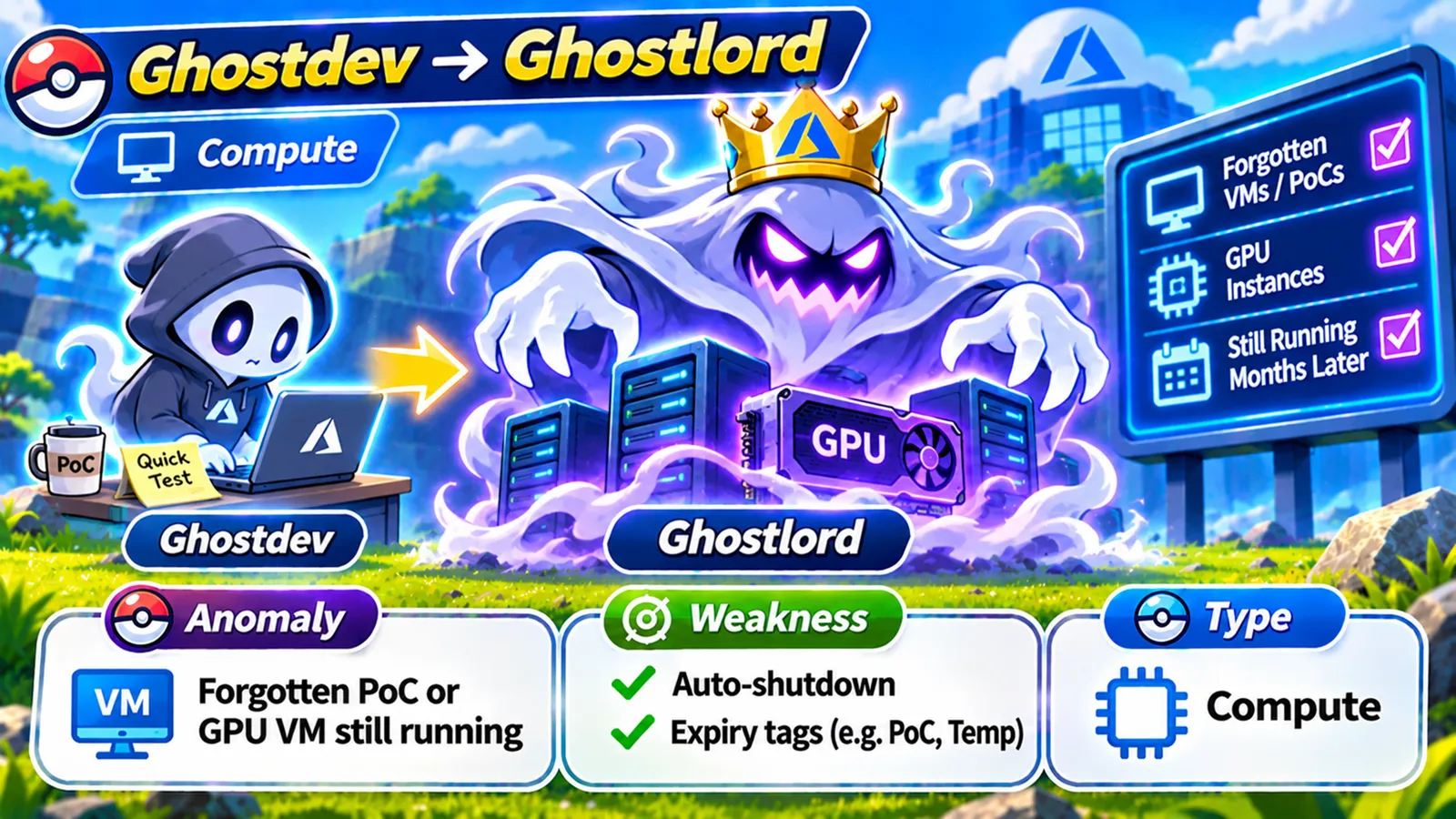
- Type
- Compute
- Anomaly
- Forgotten PoC or GPU VM
- Evolves into
- Ghostlord
- Weakness
- Auto-shutdown, expiry tags
What it is
Ghostdev is the proof-of-concept nobody remembers. A dev or test VM, often a large or GPU SKU, is left running after the experiment ends and bills 24/7.
How to spot it
- VMs with very low CPU / network utilisation but high cost.
- Resources with no owner tag, or owned by people who have left.
- Dev/test subscriptions with spend that matches no known project.
Common causes
- PoCs spun up with big SKUs and never torn down.
- No auto-shutdown on dev/test machines.
- Missing ownership and lifecycle metadata.
Evolution: Ghostlord
GPU and large-memory VMs, or whole forgotten environments, turn a small oversight into a major recurring cost.
Defences
- Auto-shutdown schedules on dev/test VMs.
- Expiry tags (e.g.
expires-on,owner) enforced by policy, with a cleanup process. - Budgets per dev subscription; Advisor shutdown recommendations.
Real world encounter
The encounter
Someone runs a proof of concept to evaluate a new idea. The expectation is that resources will be removed after two weeks, when the PoC is done. A month later, they're all still there. The PoC finished, the team moved on, and everyone assumed someone else would clean up.
Tracking it down
The resources run at a modest cost that doesn't spike, so nothing triggers an anomaly alert and nobody notices. It only surfaces during a review of idle resources: a resource group with no recent activity, VMs with low CPU, and no tags showing an owner or expiry date. Cost Analysis shows a flat line that started a month earlier and never stopped.
Catching it
The team confirmed the PoC was finished, took what they needed from it and deleted the resource group. Going forward, every PoC gets its own FinOps scope, a budget, an owner and an expected end date recorded in an expiry tag.
The lesson
Ghostdev is dangerous because it's boring. The costs are small and steady, so nothing alarms, but they continue forever if nobody removes them. If a GPU VM is involved the bill can be far from small. Set the expectation of when things should be removed at the start, and review idle and oversized resources regularly.