
Tag Master
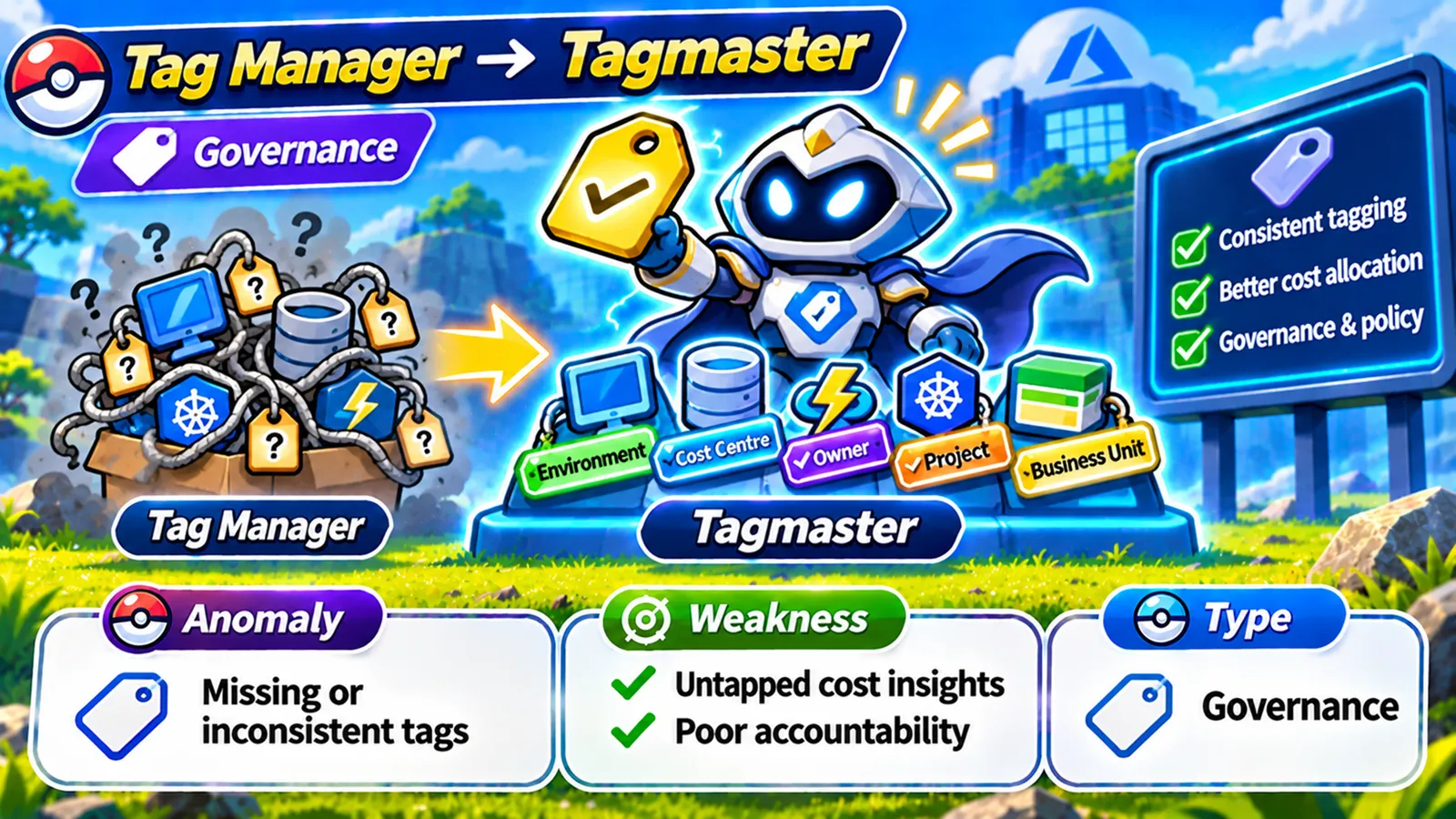
- Type
- Governance
- Anomaly
- Missing or incorrect tags cause cost to show up in the wrong place
- Evolves into
- TBC
- Weakness
- Azure Policy tag enforcement, FinOps scopes
What it is
Tag Master doesn't create new spend, it hides where spend belongs. Resources that are untagged or tagged incorrectly cause cost to land in the wrong FinOps scope, or in an unallocated bucket, so owners never see what they are paying for.
How to spot it
- A rise in unallocated or untagged cost.
- A team's spend lower than expected while another team's is higher.
- Cost on a scope that doesn't match what was deployed there.
Common causes
- New project resources deployed without tags.
- IaC templates copied from another project with the old tags left in place.
- No enforcement of tag requirements.
Evolution: TBC
As tagging debt grows across the estate, a larger share of cost can't be attributed to anyone.
Defences
- Azure Policy to enforce required tags.
- FinOps scopes per application, with a budget on each.
- Review tags in IaC templates when copying from other projects.
- There is no real cost avoidance here: it is about making cost show up in the right place.
Real world encounter
The encounter
A customer deploys Azure resources for a new project using a template copied from a similar application. Nobody changes the tags in the template, so the new resources carry the other project's cost centre and application name. Separately, on another project, resources go live with no tags at all.
Tracking it down
The untagged case is visible quickly: unallocated cost rises in Cost Analysis because it doesn't belong to any FinOps scope. The incorrectly tagged case is far harder. Cost appears to be fine, just in the wrong place. The original project's costs look higher than expected, the new project's look lower, and nobody notices until much later when the numbers don't reconcile at review time.
Catching it
The wrong tags were corrected and the team checked how far back the mis-allocated cost went. Azure Policy was introduced to enforce required tags, and a FinOps scope and budget was defined for each newly deployed application so a mismatch becomes visible.
The lesson
Tag Master doesn't add spend, it moves it. There is no real cost avoidance here: the goal is making sure cost shows up where it should. Enforce tags with policy, review IaC copied from other projects, and give each application its own scope and budget so a gap between expected and actual is noticed early.